Nick Barre
Senior Character Artist
ZBrush Plugin Ref Switcher
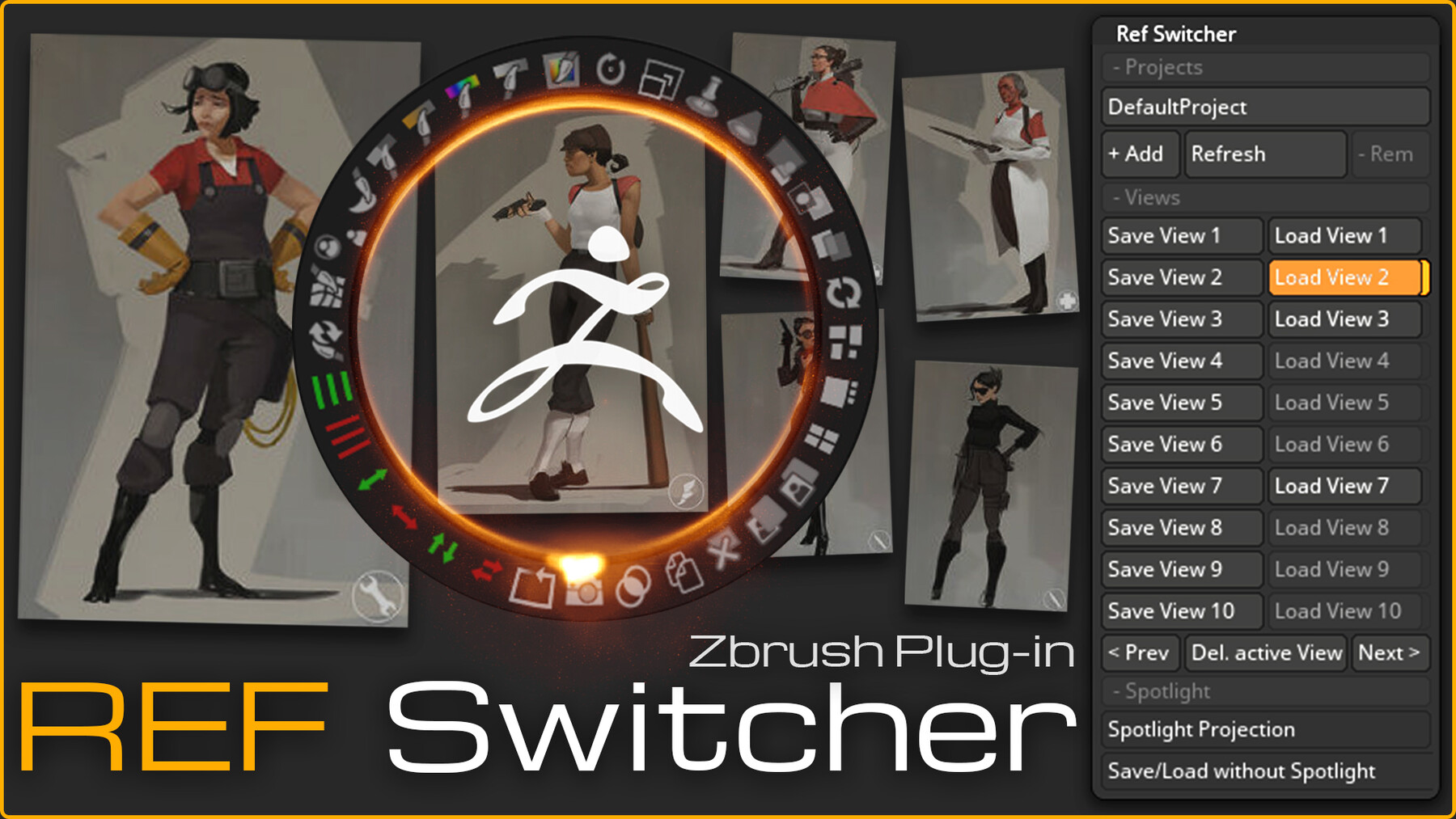
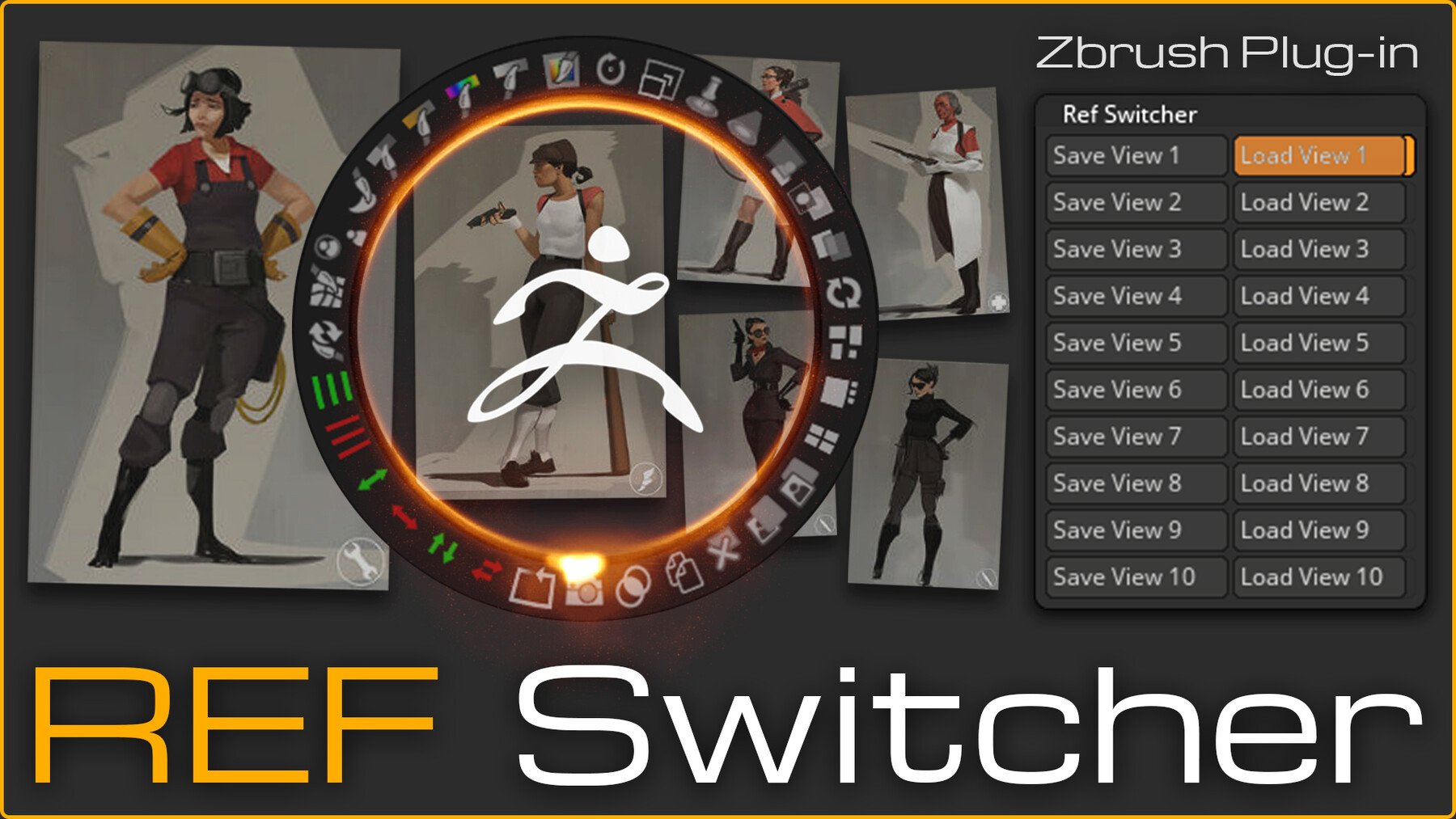
Save and load image reference pairs together with custom camera angles, camera settings, and canvas settings - all with a single hotkey!
Compatibility: ZBrush 2023-2026
Installation ZBrush 2023-2025:
- Extract RefSwitcher.ZIP using "Extract Here" option to "Maxon ZBrush 202X\ZStartup\ZPlugs64\ZPlugs64\"
- Restart ZBrush.
- Ref Switcher will be available in the ZPlugins menu.
Installation ZBrush 2026:
- Launch ZBrush.
- Open Preferences → Assets Directory → Open Directory.
- In the opened folder, navigate to ZStartup → ZPlugs64 and copy ref_switcher.py into this directory.
- Restart ZBrush.
- Ref Switcher will be available in the ZPlugins menu.
Release Notes
Relase 1.3
Fixed Bugs:
- Auto switching to the last project.
- Incorrect camera loading with the close zoom.
Note: Release 1.3 will not support the previous saved views.
Release 1.3.1
- Quick fix for flipped camera bug
Release 1.3.2
- Support from ZBrush 2019
Release 1.4.1
- ZBrush Support 2023-2025.
Release 1.5
- ZBrush 2026 - Windows & macOS Support
- Improved UI
- Flexible number of views
- Ported from ZScript to Python